Library sync
Cinefin keeps its movie list in step with your media server. Jellyfin and Plex are both supported. You point Cinefin at one server, then sync whenever you want new titles pulled in.
Connect a source
A library reads from one media server. Open Settings → Library source and use the Source tab.
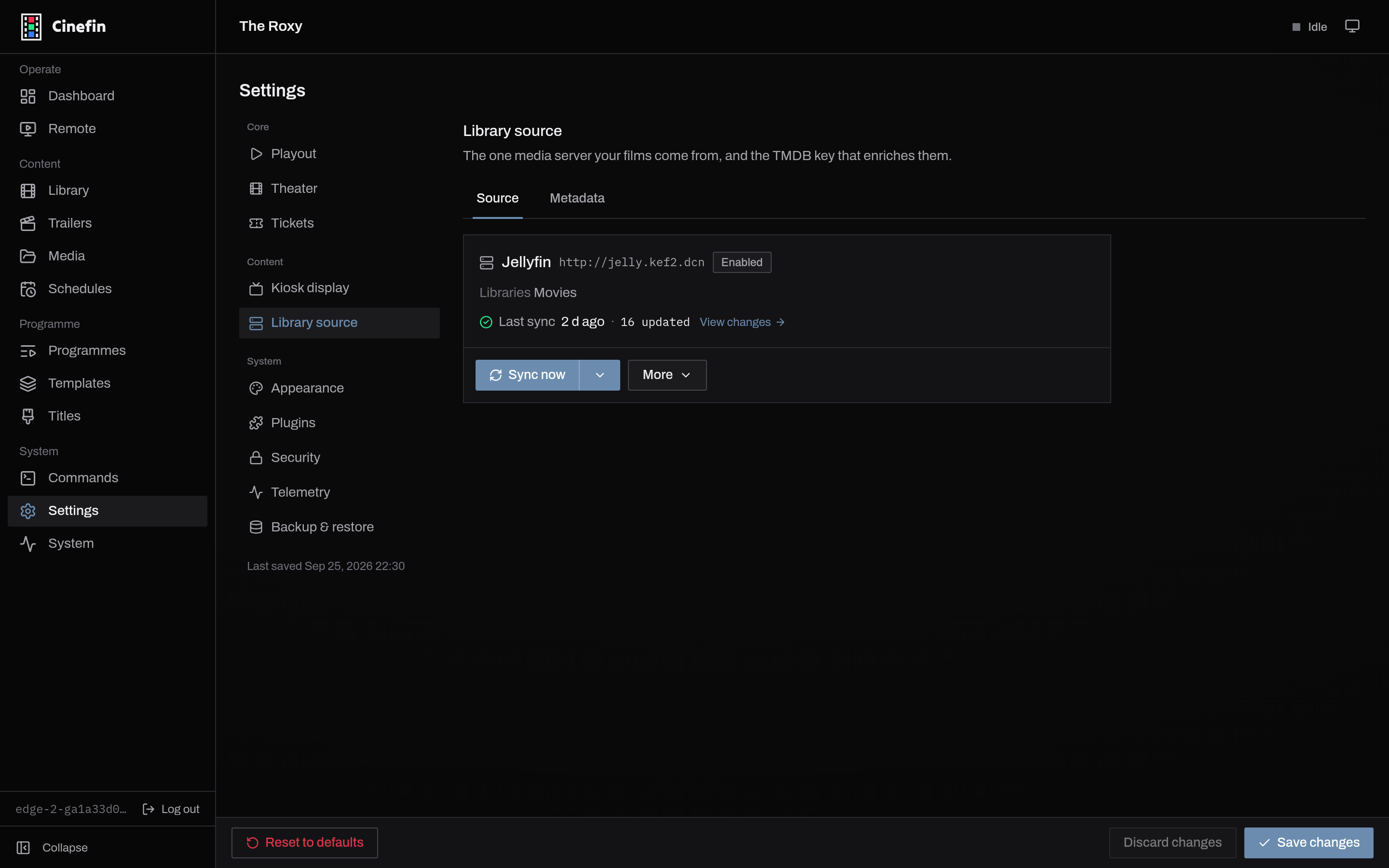
If nothing is connected yet, choose your server type and fill in the form. To change an existing connection, open More → Edit source.
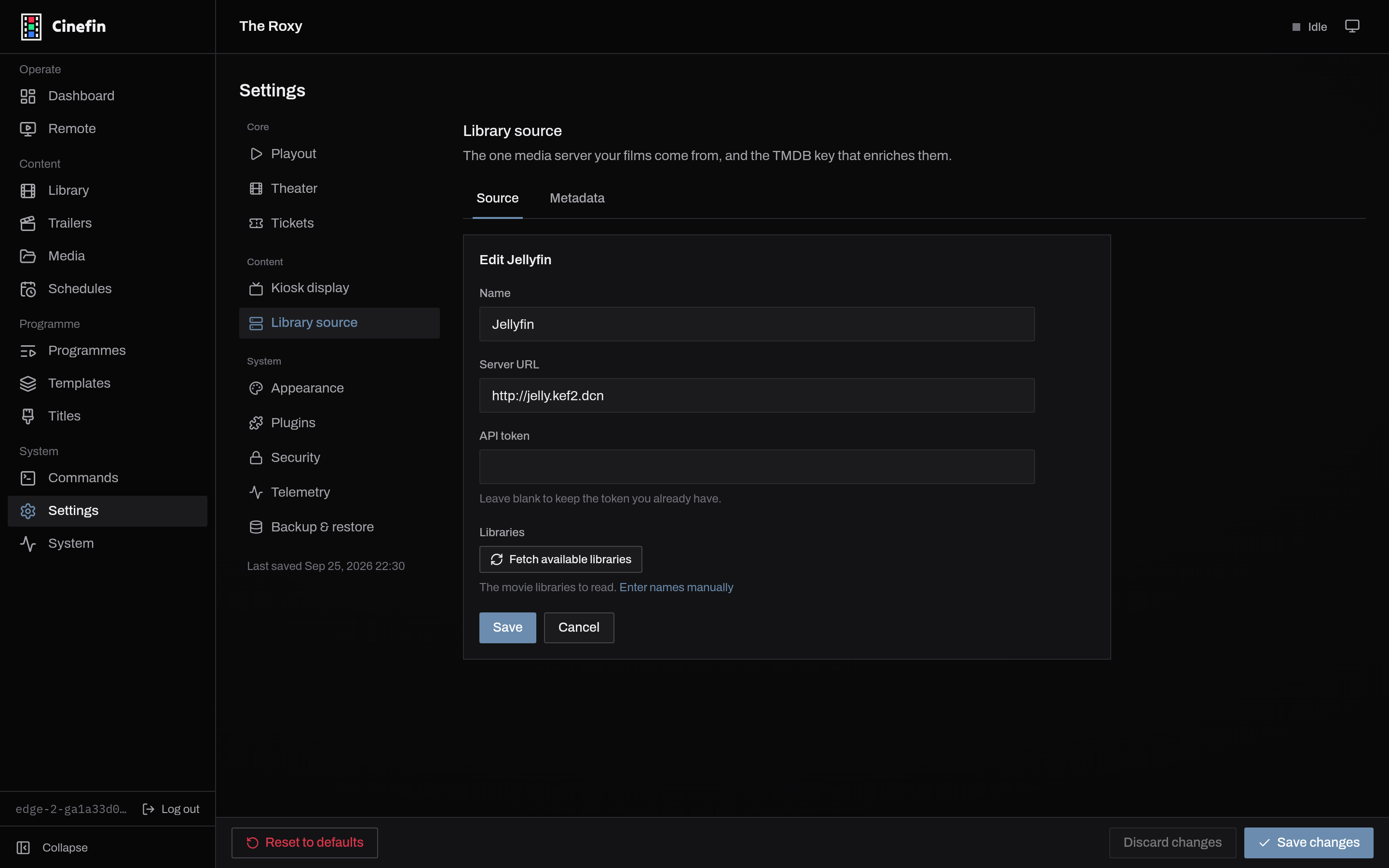
| Field | What it is |
|---|---|
| Server URL | Your server's address, port included, reachable from the machine running Cinefin, for example http://living-room:32400. |
| API token | The access token for your server. On an edit, leave it blank to keep the token you already have. |
| Libraries | The movie libraries to read. Fetch available libraries lists them from the server, or enter names by hand. |
Run a sync
Sync now runs the source and streams progress and logs as it goes. Syncs are incremental: films that have not changed on the server cost nothing to check, so later runs are quick. When metadata or a file has changed and you want a full reprocess, use More → Full re-scan. View changes shows what the last run added, updated or removed.
Syncs run as background jobs and keep going across a restart. The other source actions live under More: Test connection, Find certificates (below), and Remove source.
Certificates
More → Find certificates looks up age ratings for movies that have none yet, from the rating scheme's site (BBFC via bbfc.co.uk, MPAA via filmratings.com). This is what feeds the certification cards shown before a feature. Choose which scheme Cinefin uses under Settings → Theater; trailers are rated separately, from the Trailers page.
Metadata and TMDB
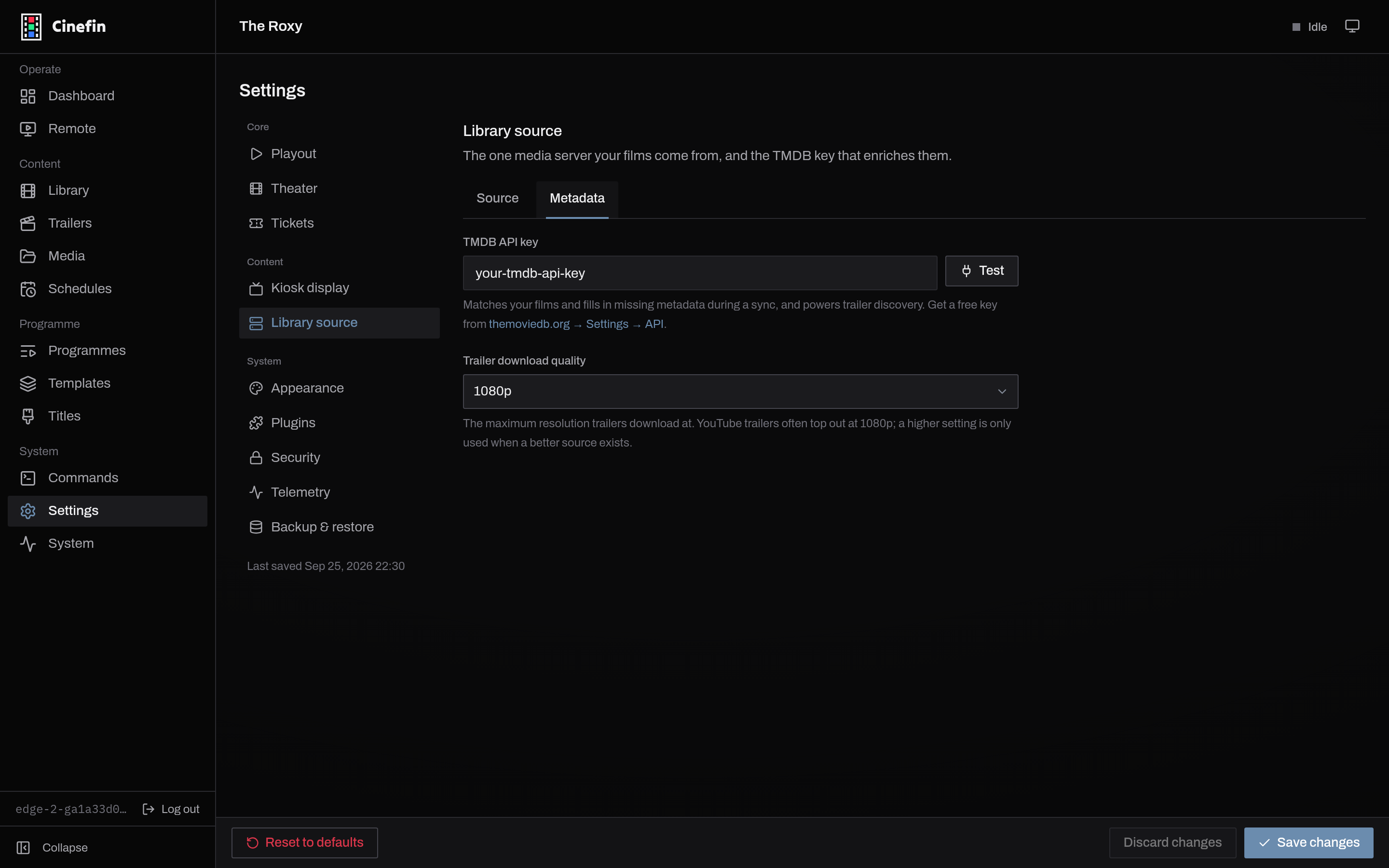
The Metadata tab holds your TMDB key. TMDB matches your films and fills in missing metadata during a sync, and it powers trailer discovery. A free key from themoviedb.org is enough. This tab also sets the maximum trailer download quality.
Where the movies play from
A synced movie plays by streaming from Jellyfin or Plex over your network. A movie you added on disk, or a server that is briefly offline, streams from Cinefin itself. Cinefin picks the right source for each item when it builds a playlist, so this is nothing you set up.
Removing movies
A sync will not mass-delete your library by surprise. It matches on the server's own item id and keeps guards against removing everything at once. Removing the source itself leaves its films in your library; they stop being synced. If a film that a programme uses later leaves your library, Cinefin flags it on the programme rather than dropping it quietly.